


One download installs everything: the free Display Journal Data (DSPJRNDTA) command, our software, commands and API bundle, and the 30-day Workload Performance Series trial. Follow the five steps below on each LPAR.
Installation, configuration and maintenance technical support is included. If anything goes wrong, email screen shots of the step to support@mb-software.com.


One free perpetual license of the Display Journal Data (DSPJRNDTA) command for one LPAR. No purchase required.
- No one-time software license fees
- No annual software maintenance fees
- No monthly or annual subscription fees
- Installation, configuration and maintenance support included
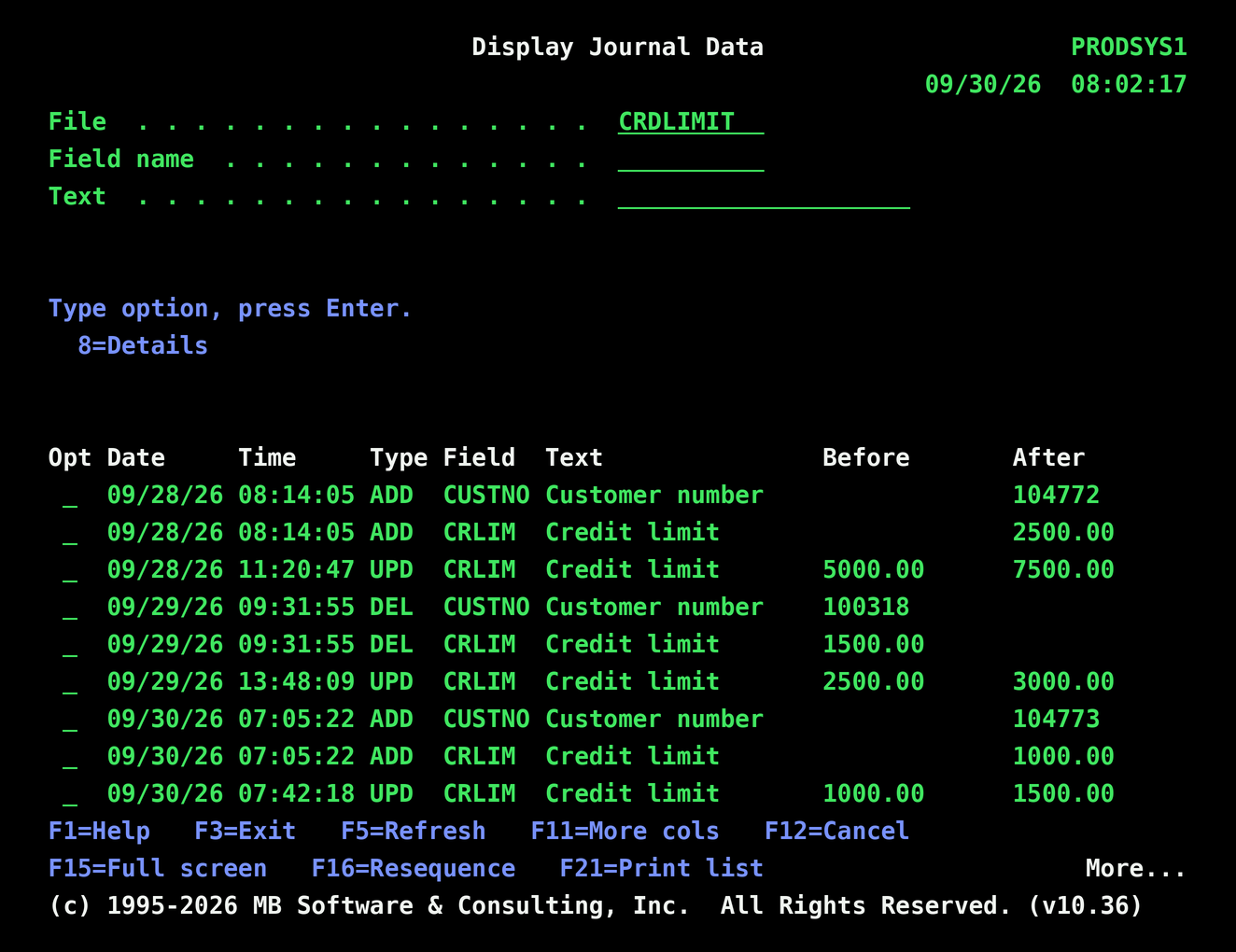
DSPJRNDTA shows exactly which fields changed in any journaled file, with the before and after value of every add, update and delete. Enter a file name and it finds the journal for you, pairs each before image with its after image and lists every changed field on its own line, with the field's name and description. Option 8 shows the date, time, job and user behind each change.
It reads the journal only and never changes your data, and it takes the same receiver, date, time and job selections as IBM's DSPJRN. Show the results on screen, print them, or write them to a file.
To get a permanent access code, send us the serial number and LPAR id of the system.
Several modules of the 30-day trial are used by the free command, so the trial software must stay installed. It deactivates on its own when the 30 days are up.
Download ftp://ezrad.com:21/workperf.savf. We'll ask for your OS release and contact details first, then send a verification code to your email.
These objects are created on each LPAR:
- QGPL/WORKPERF save file and WORKPERF library
- EZRAD.COM library and /ezRAD.com IFS folder
- EZRAD and EZRADGRP user profiles
- EZRAD command and message queue
- EZRAD authorization list
- QGPL/WRKACTSQL command, program, data queue and data area
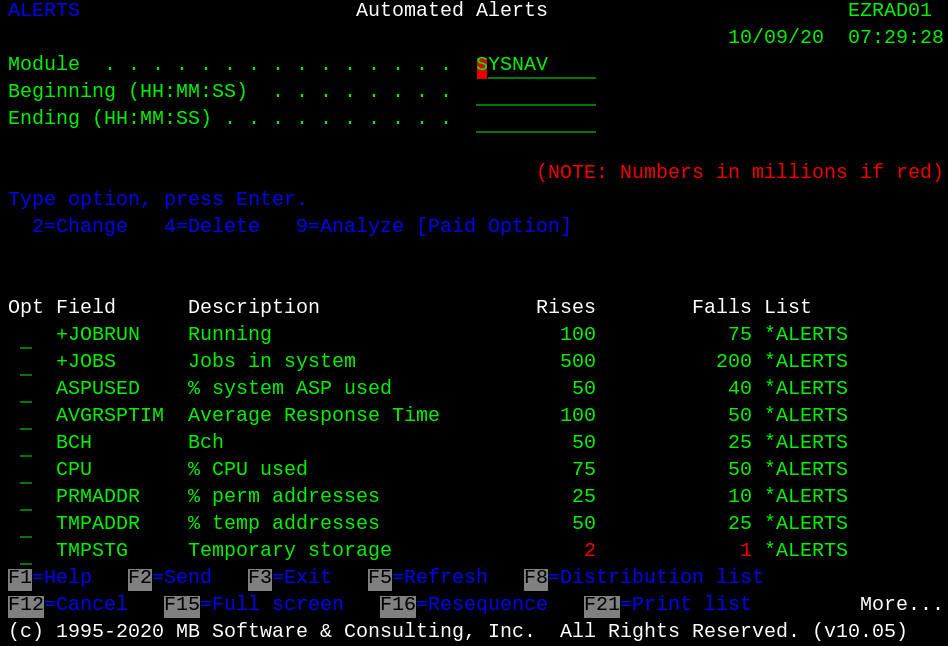
- QGPL commands and programs: ALERTS, ANZJOBLOG, DSPJRNDTA, WRKDBR, WRKRCDLCK, WRKTMPSTG, SALESFORCE and ANZJRN
Upload WORKPERF.SAVF into the QGPL/WORKPERF save file on your iSeries.
Run these two commands:
RSTLIB SAVLIB(WORKPERF) DEV(*SAVF) SAVF(QGPL/WORKPERF)
CALL PGM(WORKPERF/INSTALL) PARM('10.10.10.10')
Replace 10.10.10.10 with your iSeries local IP address, inside the single quotes. Depending on what you want to analyze, more data collection and configuration steps may be needed.
Type EZRAD UNINSTALL at any OS/400 command line and press ENTER, then type CALL PGM(QTEMP/UNINSTALL) and press ENTER.
Questions before you install? Contact us or call (315) 283-0824.